Ferromagnetic 2026 Spring updates
New to Ferromagnetic? Ferromagnetic is a music visualizer for macOS and iOS that creates real-time audio-reactive visuals for streaming services like Spotify and Apple Music, custom audio, and live performances. Learn more about the original release.
When Ferromagnetic 2.0 launched in November 2025 with FM Producer, it marked a turning point for the app. With dual-deck mixing you can queue your next composition while the current one plays and transition between them when ready, much like a DJ workflow applied to visuals. MIDI and shortcut mappings let you trigger effects, switch presets, and adjust parameters in real time without touching the UI. Splitting the app into an accessible visualizer and a professional performance tool has opened up many new use cases. I’ve been getting more messages and feature requests from artists who use FM as a central part of their live setup, and that feedback has directly shaped where the app has gone.
26 updates later, here’s what’s new:
Various New Visual Effects
There are now over 4,000 possible combinations of effects, layers, and post-processing options. Several new effects have been added since 2.0:
-
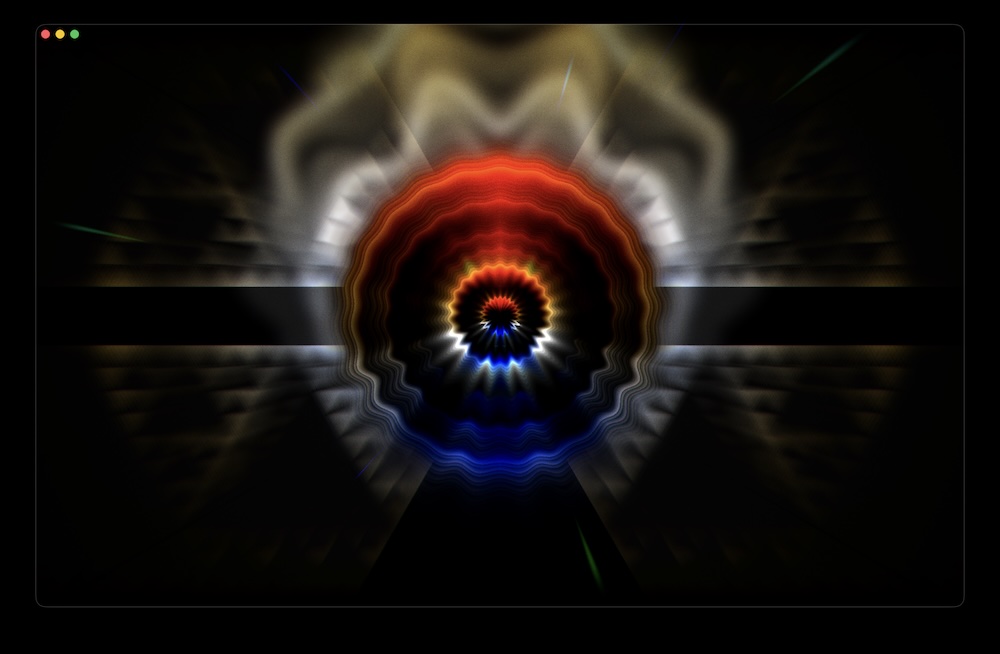
Ferrofluid — audio-reactive magnetic spikes that pulse with the music
-
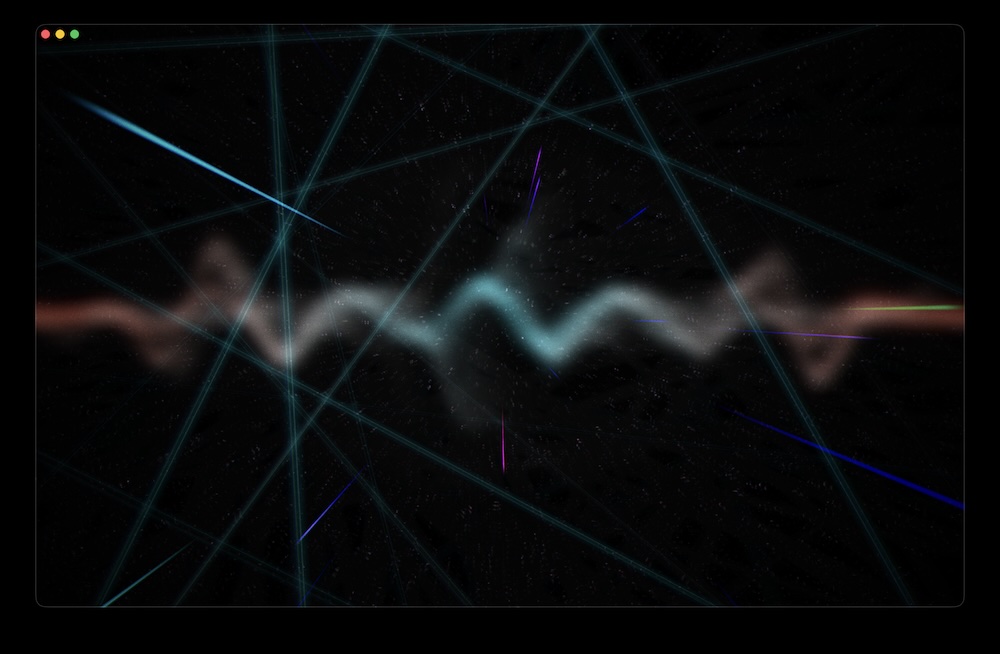
Laser — sharp geometric beams
-
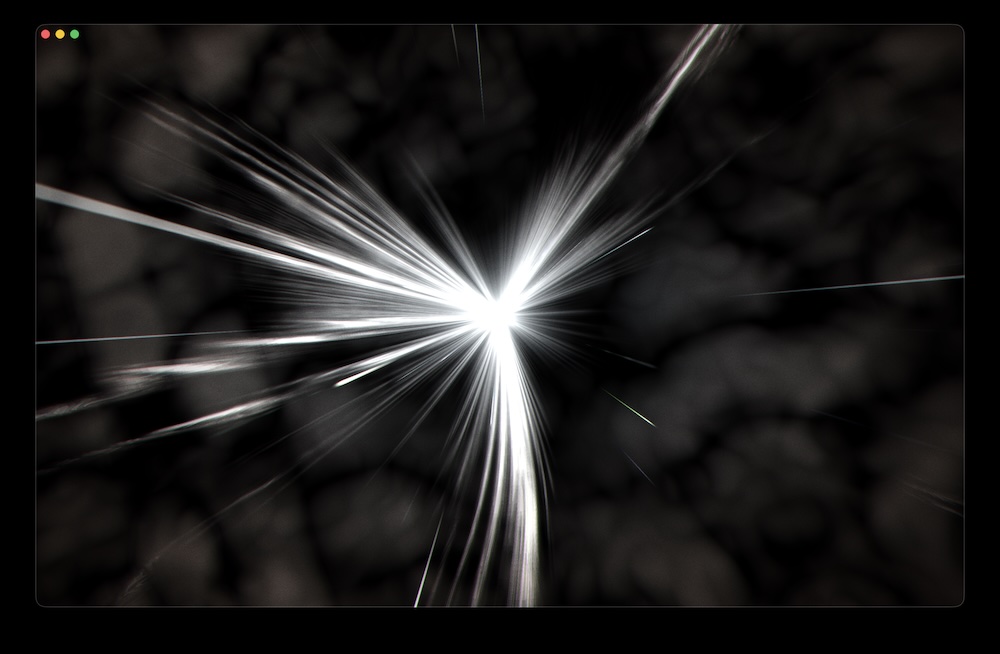
Cloud — a generative volumetric-style effect with multiple iterations
-
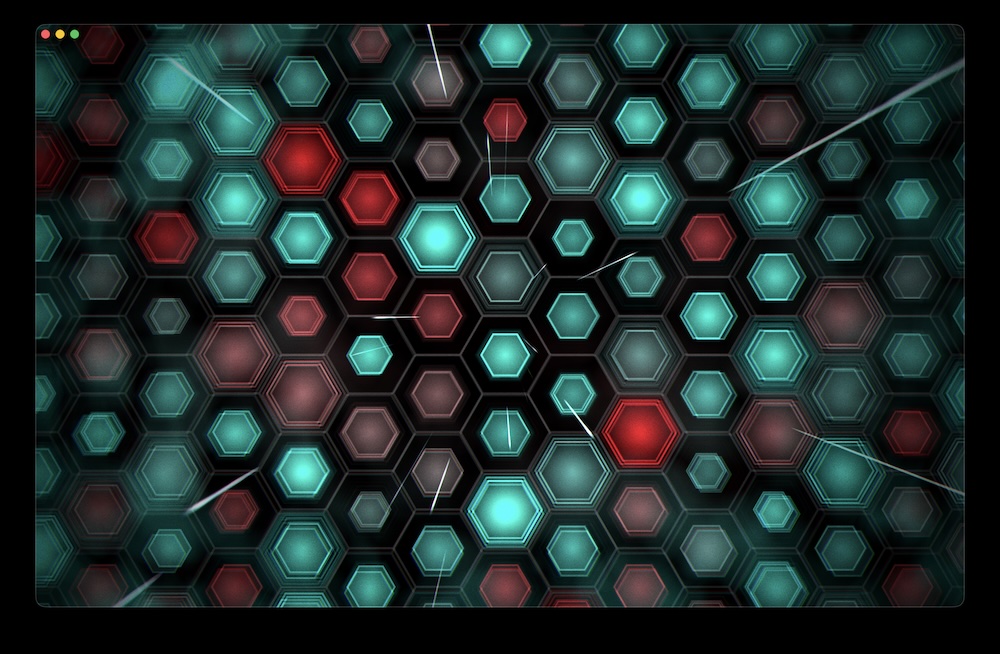
Hexagon — geometric grid patterns as a standalone visual
-
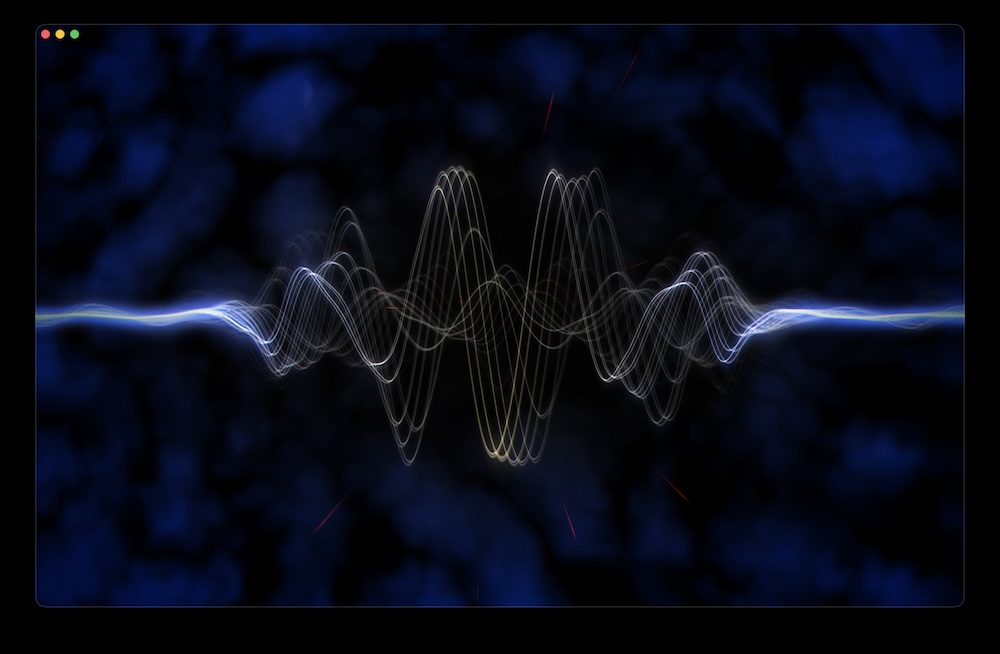
Sine Wave — a clean oscillating waveform
-
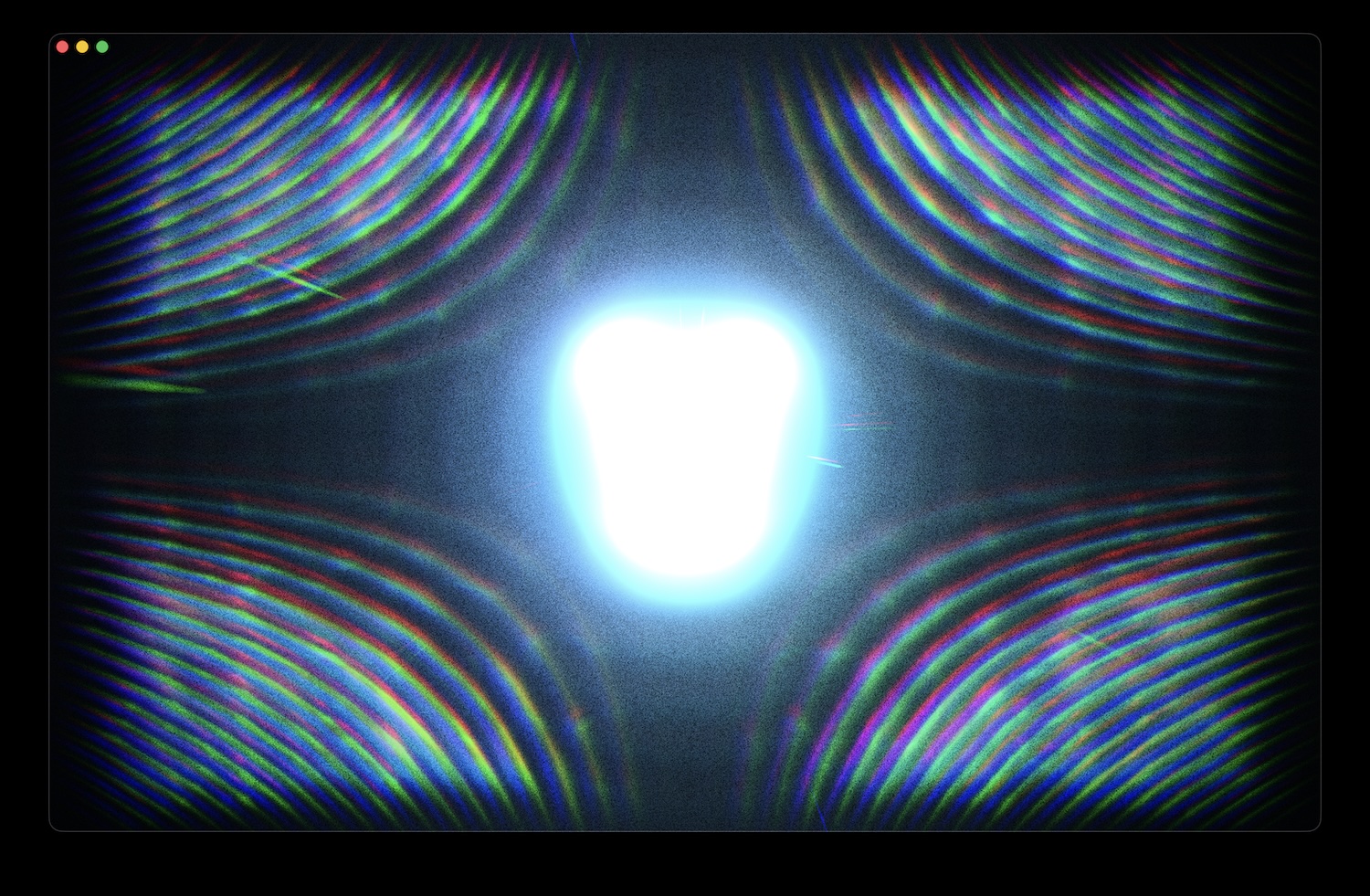
Noise and glitch — among other post-processing effects, noise and glitch adjustments received several improvements
-
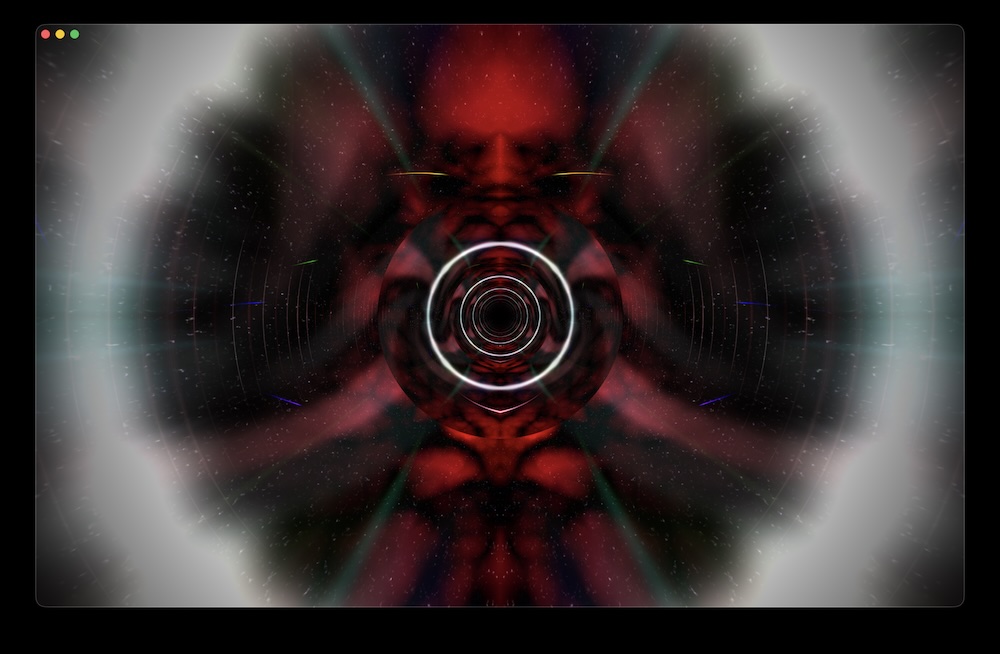
Tunnel transition — the most recent update includes a depth-based transition effect
File Recording
File recording was one of the most requested features, and FM Producer users can now record directly to file without any additional screen capture tools. The recorder has been improved for stability, and recent updates added quality adjustment options and a custom resolution selector so output files match what a given performance or export needs.
Effect-Level Controls
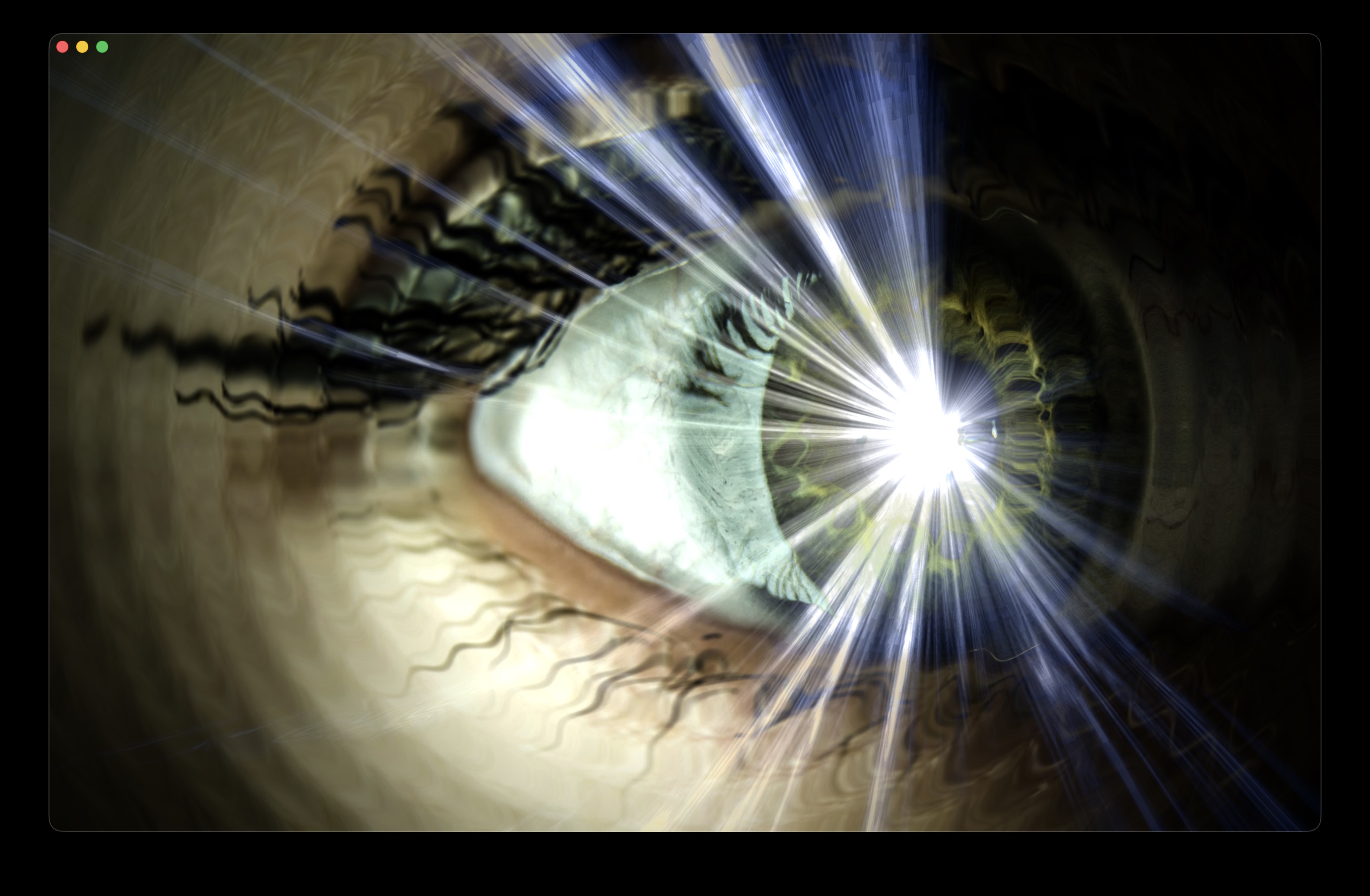
Each effect now has its own set of customization options. Audio range filtering lets you target a specific frequency band, so bass-heavy effects can lock onto the low end while something else responds to the highs. Media and generative effects also support independent scale and translation controls, giving you precise control over the visual composition of each layer. This is especially useful in combination with custom media backdrops, where effects can now be precisely positioned to match the layout.
Beat-Driven Timing
On macOS, a beat-driven timing mode ties effect switching to the rhythm of the music rather than a fixed interval. When the track has a clear pulse, the visuals follow it.
Integration via FM Broadcaster
A standalone application, FM Broadcaster launched as a Syphon integration for routing visuals into other software on macOS. It has since expanded to include a virtual camera output, which means Ferromagnetic can now appear as a webcam source in any application that supports one. Both of these were specifically requested by VJs who wanted FM to fit into their existing setups rather than replace them.
What’s Next
The plan is to keep adding new visual effects on roughly a monthly basis. Each one should work well out of the box while giving experienced users something to explore. Keeping that balance between good defaults and meaningful customisation is something I think about with every update.
New visuals are planned based on feedback from the in-app form that is available in the application. More responses help shape the future of Ferromagnetic, so it’s worth filling out. If you are using Ferromagnetic as part of your work and have thoughts on where it should go next, I would love to hear from you. Link to the survey.
Thank you and until next time!
~ Daniel
Ferromagnetic is free to download
Download the latest update and start creating your next show.
Feedback and bug reports are always welcome: headprocess.com/contact