Ferromagnetic is built on artist feedback
New to Ferromagnetic? Ferromagnetic is a music visualizer and VJ software for macOS and iOS that creates real-time audio-reactive visuals for streaming services like Spotify and Apple Music, custom audio, and live performances. Learn more about the original release.
Two years ago I wrote about Aavistus festival 2024. This year I returned to the festival in Helsinki, this time to present Ferromagnetic, developed here in Finland. It was the first time I presented it in person, as part of a workshop and several artist meetup sessions.
Aavistus is a festival for VJ culture that brings together people from all around the world who practice VJing or other forms of multimedia art. This year’s edition lasted five days and included artists from over 21 countries.
The workshop took place at the Helsinki City Museum, with both students and professional visual artists attending. It was a hands-on presentation with practical examples and tips on, among other things, connecting the software to MIDI controllers and composing media and models with other audio-reactive effects.
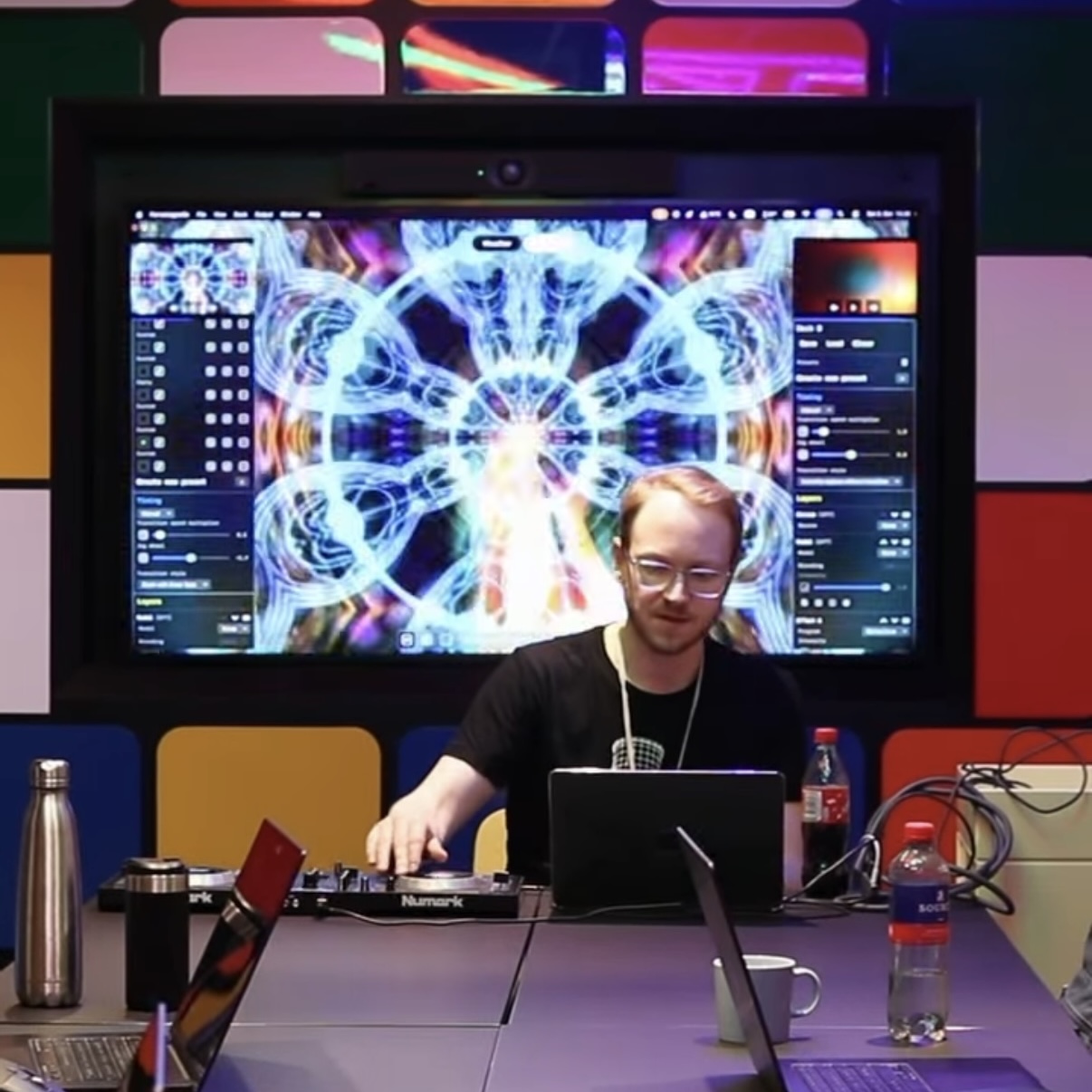 Photo by Aavistus
Outside the workshop, I also attended the art performances and parties, where I met various artists who shared their thoughts on the software. Some of them were already familiar with Ferromagnetic. Talking with the artists, I learned about their workflows and the tools they use. An interesting takeaway was how minimalist some of the techniques are, and it really showed at the parties too: just one or two shaders composited with some media elements can be enough for a whole show.
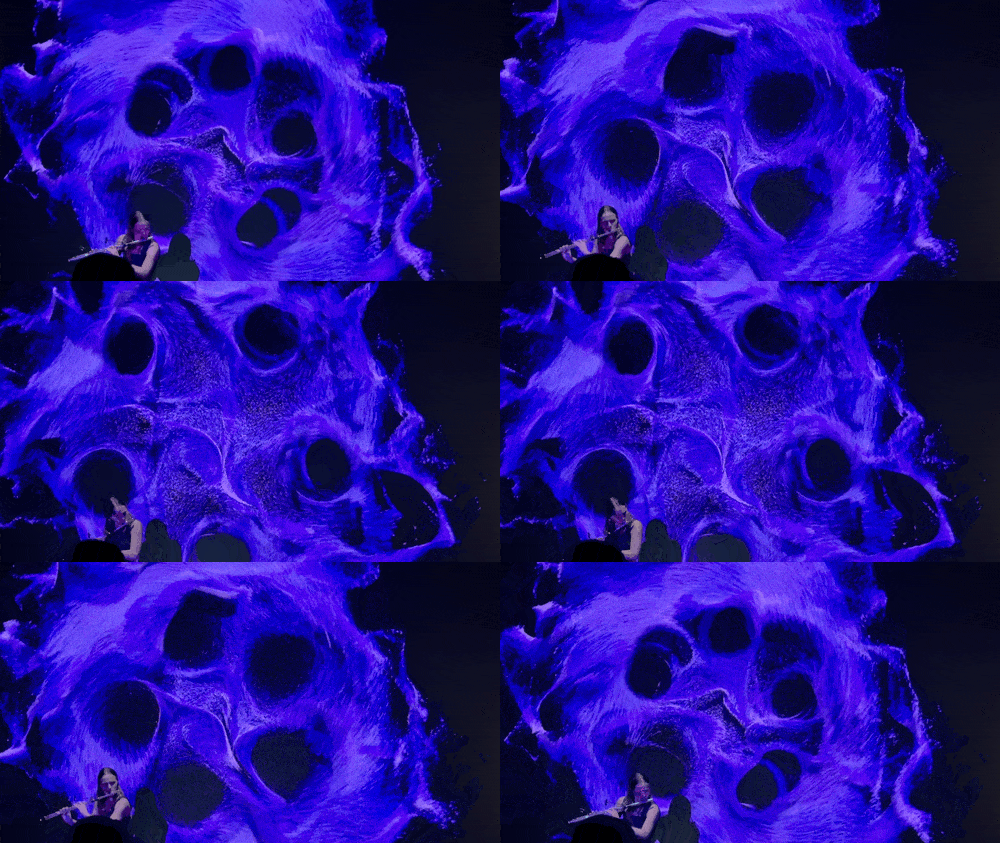
Audio reactive fluid simulation by Postnatural Artifacts
Feedback from the festival
The feedback was incredibly valuable, and it makes working on a tool for multimedia artists all the more motivating.
One of the highlights was how easy it is to see the main output. Since the controls are layered on top of the visuals, the output fills the whole editor, while other VJ software usually has a much smaller preview window by default. There was also praise for the snappy performance and the built-in effects.
On the improvement side, the presentation made it clear that the software should be more self-explanatory and offer more guidance. As participants pointed out, the workshop could have been a whole day with all the content there is to cover, although people were still able to compose their own visual effects within an hour. There were several notes about the GUI and the UX in general, and about the lack of documentation and tutorials, which is definitely something I’m working on. Artists also asked for custom shaders and support for more file formats.
Most of the following changes came directly from these conversations, and they’re already available in the latest version.
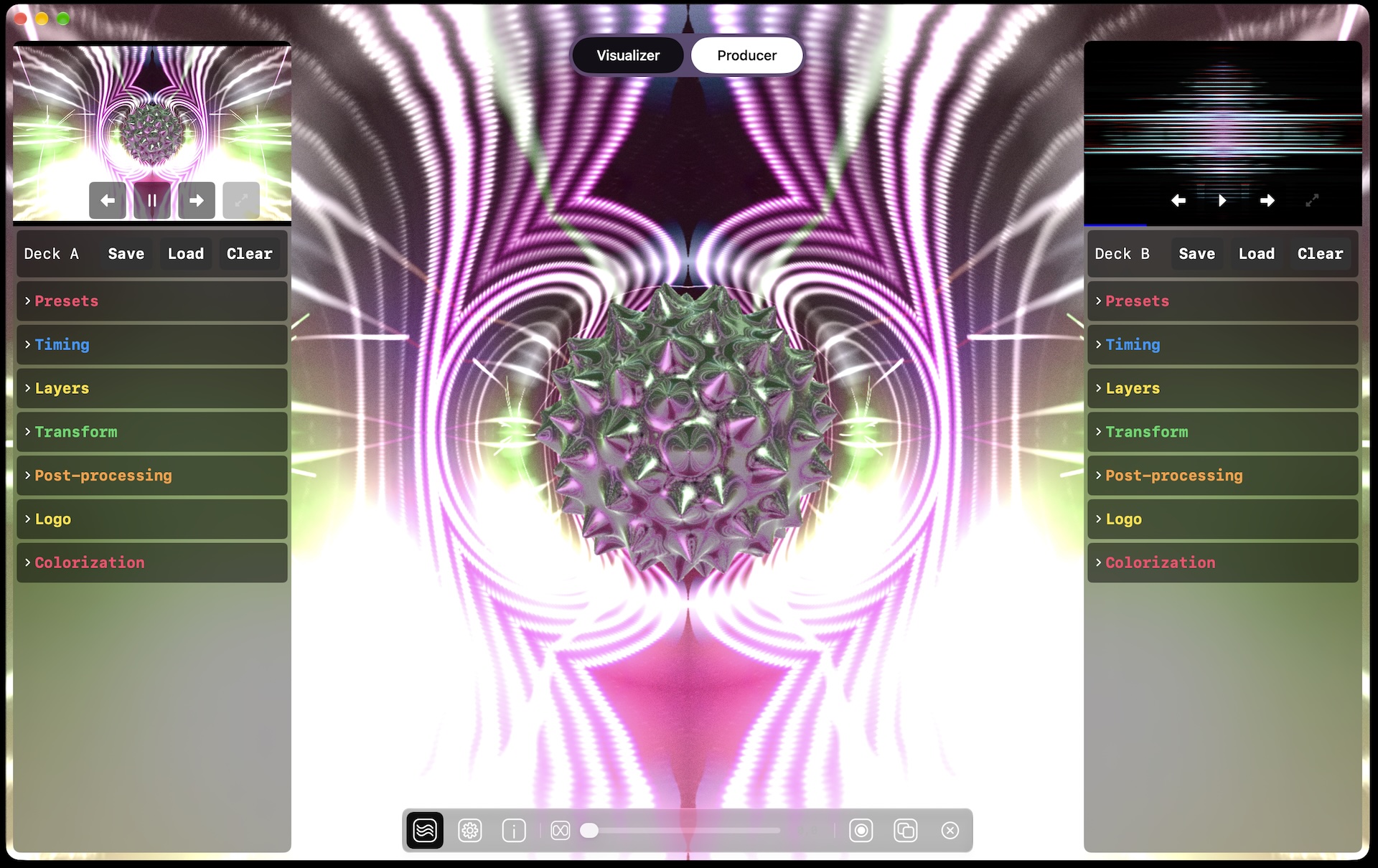
Redesigned layer picker
Lots of UX notes came from features that turned out to be non-obvious during the presentation, and the layer system was one of them. Previously, the six layers had fixed types, which was unintuitive. For example, “particles” were a separate layer type due to some underlying technical reasons.
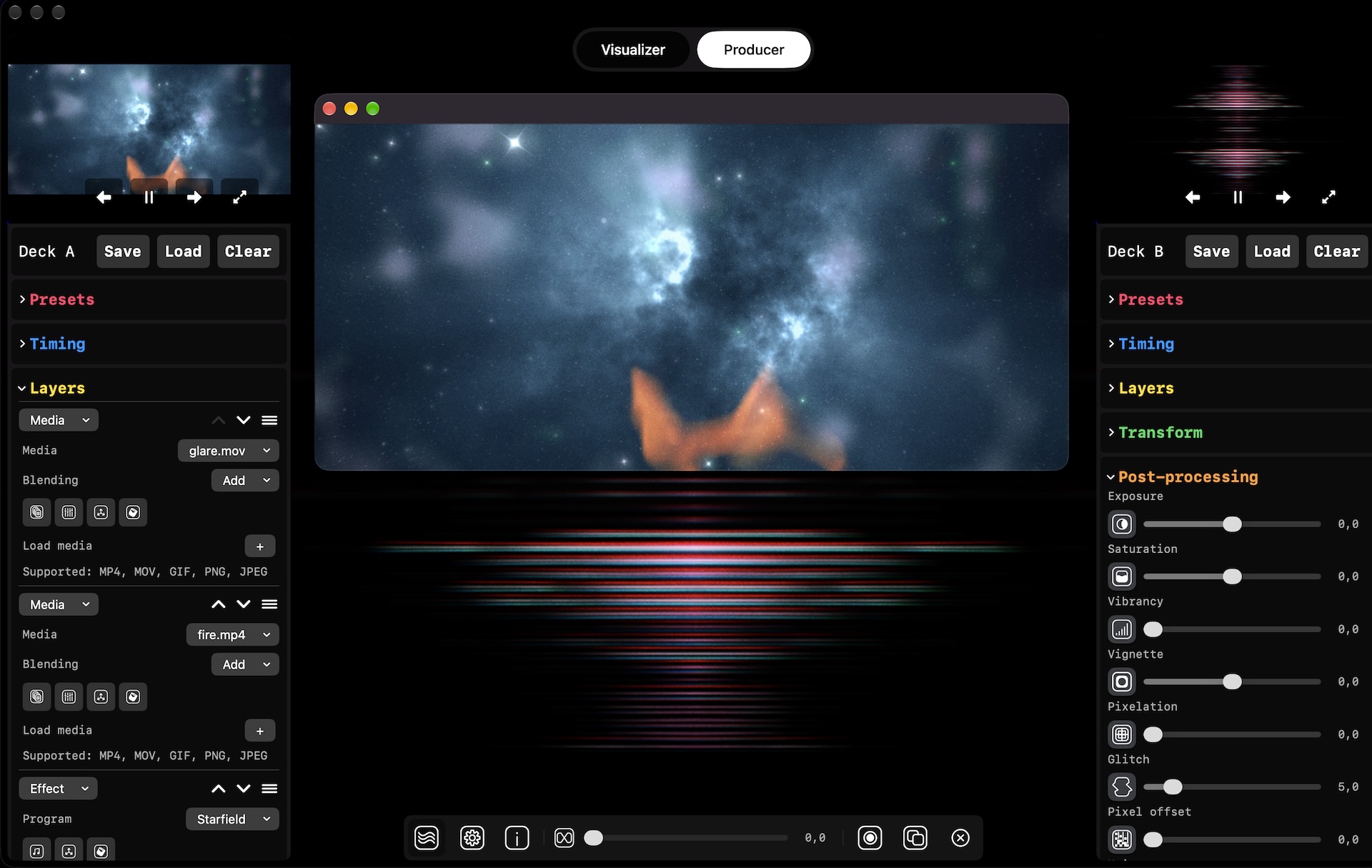
Now each deck has eight layer slots, and each slot can be set to an effect, media, or model layer. Layers can be reordered with the arrows next to them, and particles are now part of the effect list, which is a more intuitive place for them.
This also means that more effect layers can be enabled at the same time. As a rule of thumb, Ferromagnetic is optimized for four simultaneous effects on all systems, and adding more can have an impact on performance.
The deck controls also got a collapsible layout for easier readability, so sections like presets, timing, and post-processing can be folded away when they’re not needed.
Extended asset support
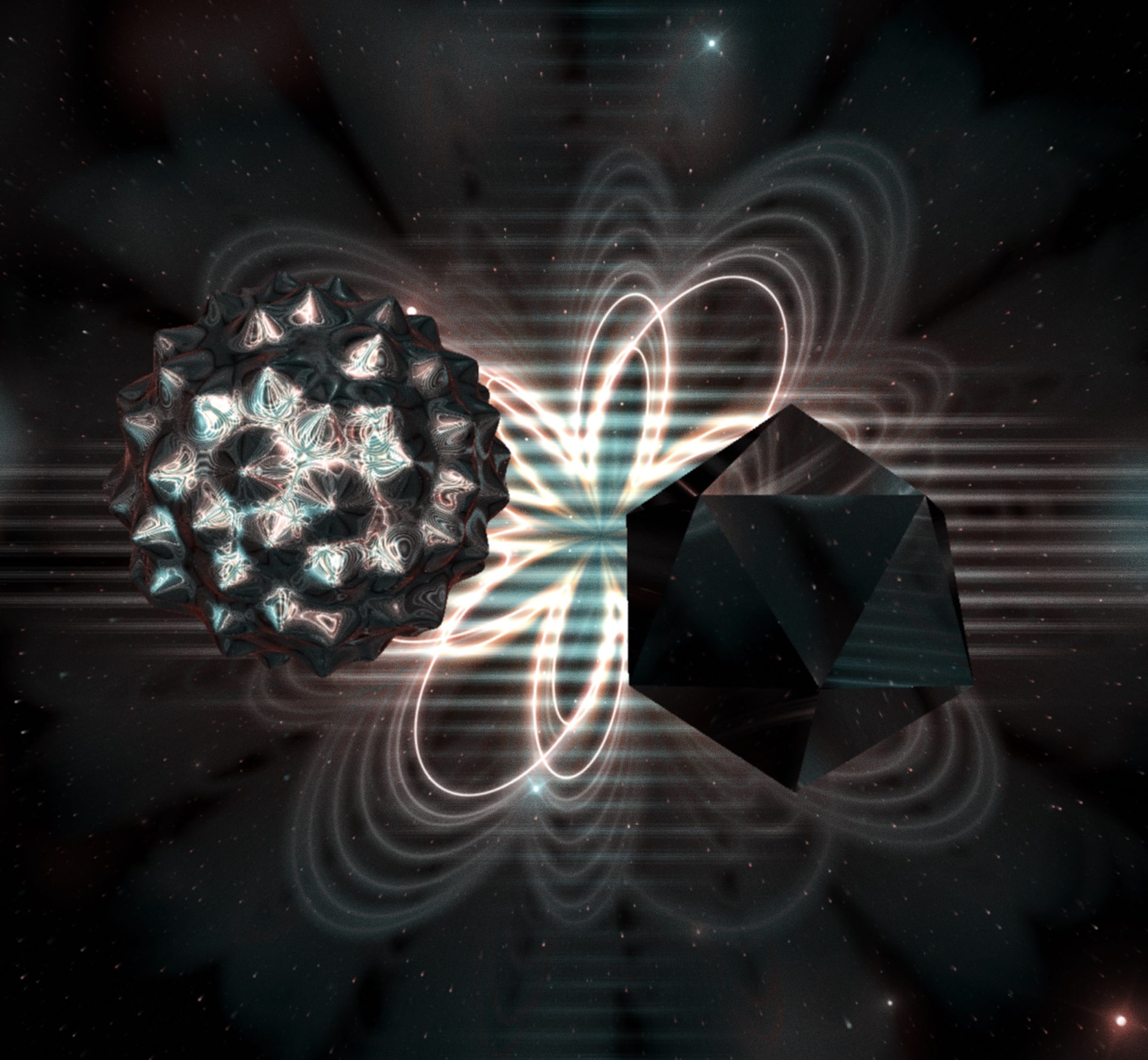
The new layer slots also support multiple model and media layers, so you’re no longer limited to one of each! This opens up a whole lot of new composition possibilities, like mixing several videos with their own blending modes, or placing multiple 3D models in the same scene. Custom models can be imported in GLB format.
I believe asset handling is a core part of the VJ experience, so now that the foundation is in place, support for more file formats is coming soon.
Two models rendered simultaneously on top of various audio reactive effects:
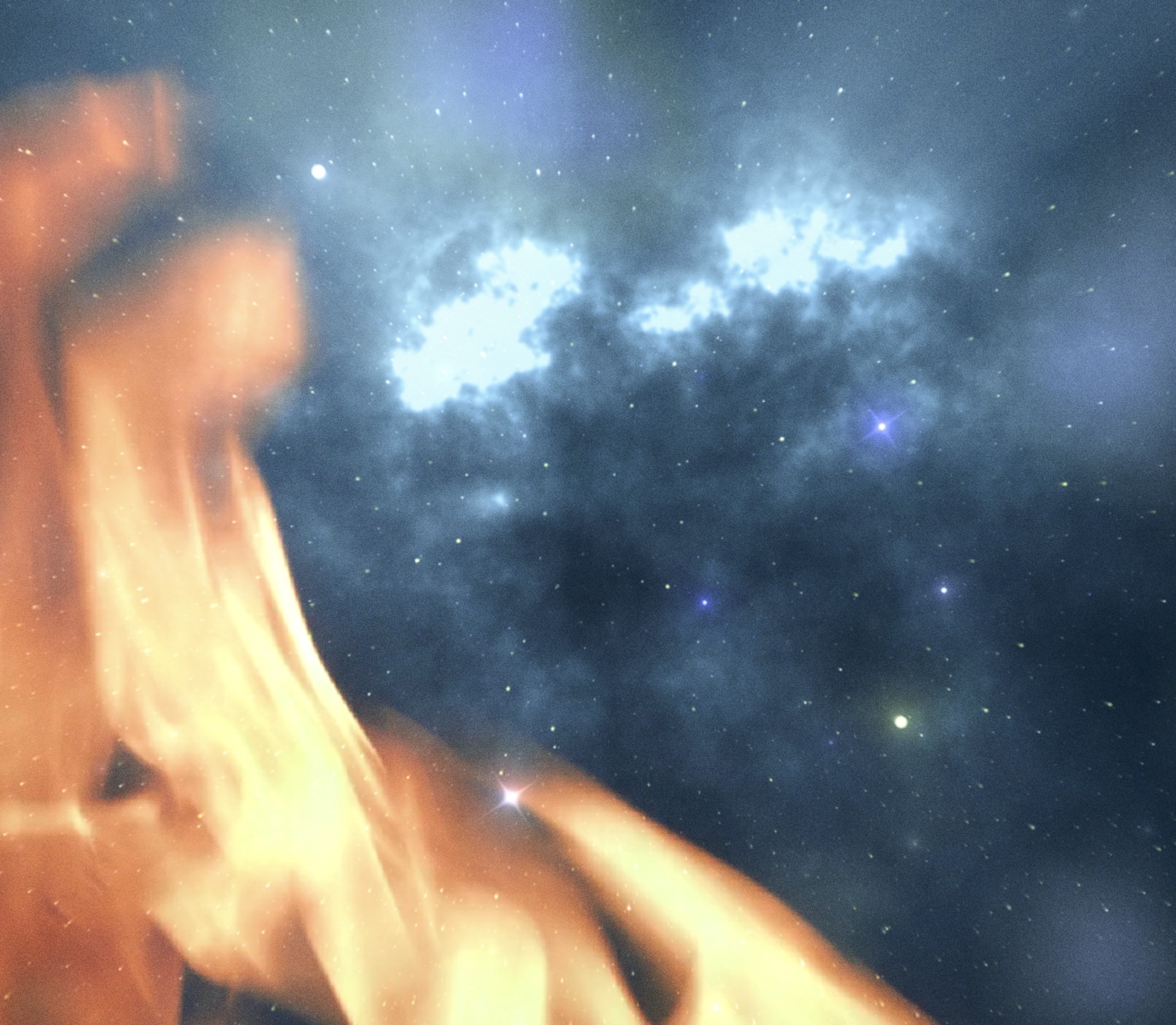
And two media items blended together, with an additional audio reactive startfield effect behind them:
Live preview swapping
During a performance, the output window usually runs on an external display or projector, while multi-deck mixing lets you prepare the next effects without interrupting the flow. A conversation at the festival about the practicalities of previewing in this setup led to a new swap button for the preview on the main editor’s screen. In practice, this means that Deck B can be previewed in full screen while Deck A keeps playing on the output window, untouched.
OSC and NDI support
Not every change came after the festival: I added OSC and NDI support while preparing for it, and both recently shipped in FM Producer. NDI enables sharing visuals as both input and output, while OSC enables more fine-grained control and scripting of the control options.
As discussed during the workshop, one hour wasn’t nearly enough to cover everything the software can do, so at some point a video tutorial series will cover these features too.
What’s next
To make Ferromagnetic more self-explanatory, tooltips and a documentation page are coming alongside the tutorial series. Custom shaders, one of the most requested features, will arrive in the next updates. A fluid simulation effect is also in progress, inspired by the performances at the festival.
Thanks to Aavistus for having me! It was such a valuable experience, and I hope I can join again in 2028. I’m also looking forward to presenting Ferromagnetic at other visual art festivals.
In the meantime, please keep the feedback coming. Just like the conversations at Aavistus, it directly shapes what gets built next. Any feedback is welcome, but I’d especially love to hear from visual artists who use Ferromagnetic in their performances. You can send it through the contact form or the feedback form on the changelog page in the app. And if you haven’t tried it yet, give it a go at your next VJ gig!
Thank you and until next time!
~ Daniel
Ferromagnetic is free to download
Download the latest update and start creating your next show.
Feedback and bug reports are always welcome: headprocess.com/contact