Ferromagnetic 2, one year later
New to Ferromagnetic? Ferromagnetic is a music visualizer and VJ software for macOS and iOS that creates real-time audio-reactive visuals for streaming services like Spotify and Apple Music, custom audio, and live performances. Learn more about the original release.
It’s been a year since the release of Ferromagnetic 2.0, the biggest update so far to any of my apps. It split Ferromagnetic into two modes: FM Visualizer for home users and venues, and FM Producer for DJs, VJs and performers. More than 60 updates have come out since then.
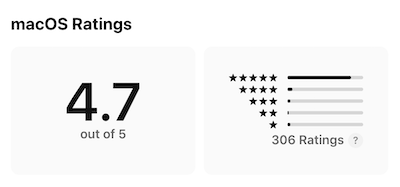
The reception has been incredible, and it really motivates me to keep polishing the software. Just recently, the macOS version crossed 300 App Store ratings with a 4.7 average!
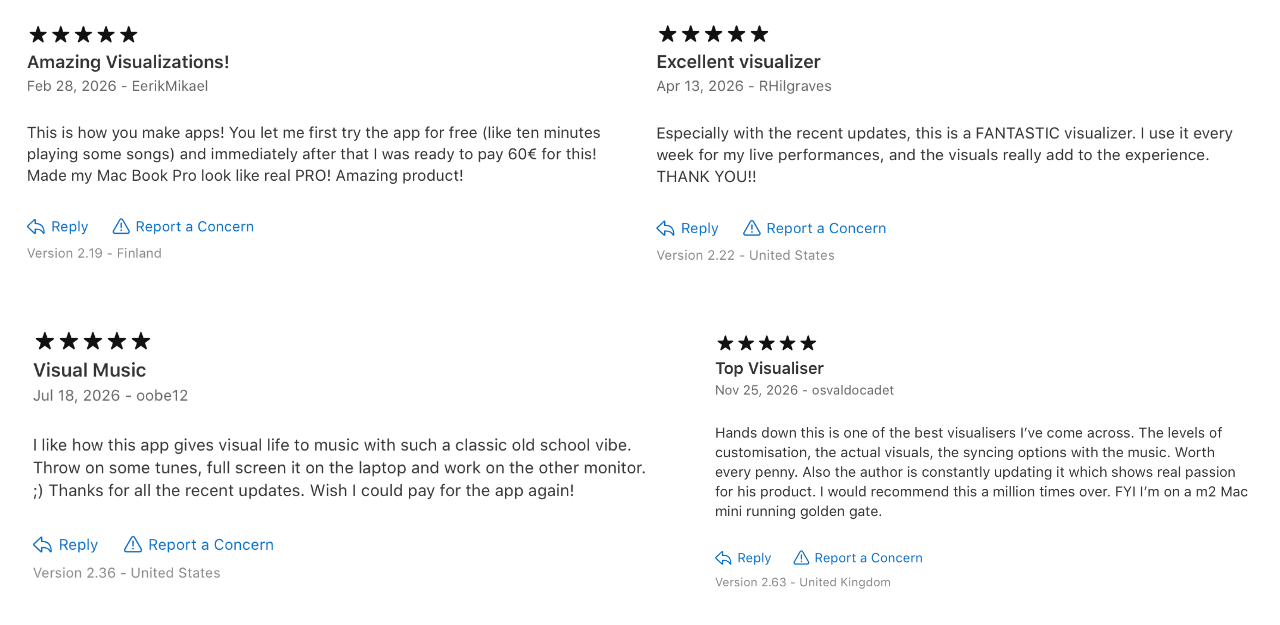
The praise in the reviews surprised even me, and it makes me extremely happy that Ferromagnetic has become a favorite for many people. The reviews also show both sides of the app: one reviewer uses it every week in their live performances, while another just throws on some tunes, puts it in full screen on the laptop and works on the other monitor. Reaching professional visual artists and musicians with FM Producer was the bigger goal of 2.0, and I keep hearing about the value it brings to them.
When the audio stops
Not every review is a five-star one, of course. The most common complaint in one-star reviews is about audio connectivity, or bugs around it. I understand the frustration: the audio input is the core of the experience, and without it there’s nothing to visualize. So if the audio isn’t working for you, please contact me before leaving a review. I’d love to help in each of these cases and figure out what’s behind the bug.
That’s also why recent versions added an audio status bar at the bottom of the window. It shows the active audio source and whether sound is coming in, and if the audio stops coming for some reason, it becomes a shortcut to troubleshooting. The troubleshooting page walks you through the most common fixes, and if those don’t help, you can copy a summary and export the logs to send me.

Part of the VJ ecosystem
The audio status bar is just one of dozens of new features this year. Many of them were about connecting Ferromagnetic to other tools, and it now really feels like part of the VJ ecosystem. MIDI and OSC let other devices and apps drive the controls, while Syphon (through FM Broadcaster) and NDI® share the visuals with other software. NDI even works both ways: you can send the visuals to apps like OBS, and bring NDI sources into a composition through the Stream layer. This way, Ferromagnetic works together with the “big ones” such as Resolume and TouchDesigner, and fits seamlessly into existing workflows.
Multi-screen setups got easier too. On macOS, the visuals can now run in multiple windows, floating or full screen, either showing copies of the same picture or splitting one picture across all the screens.
Layers and 3D
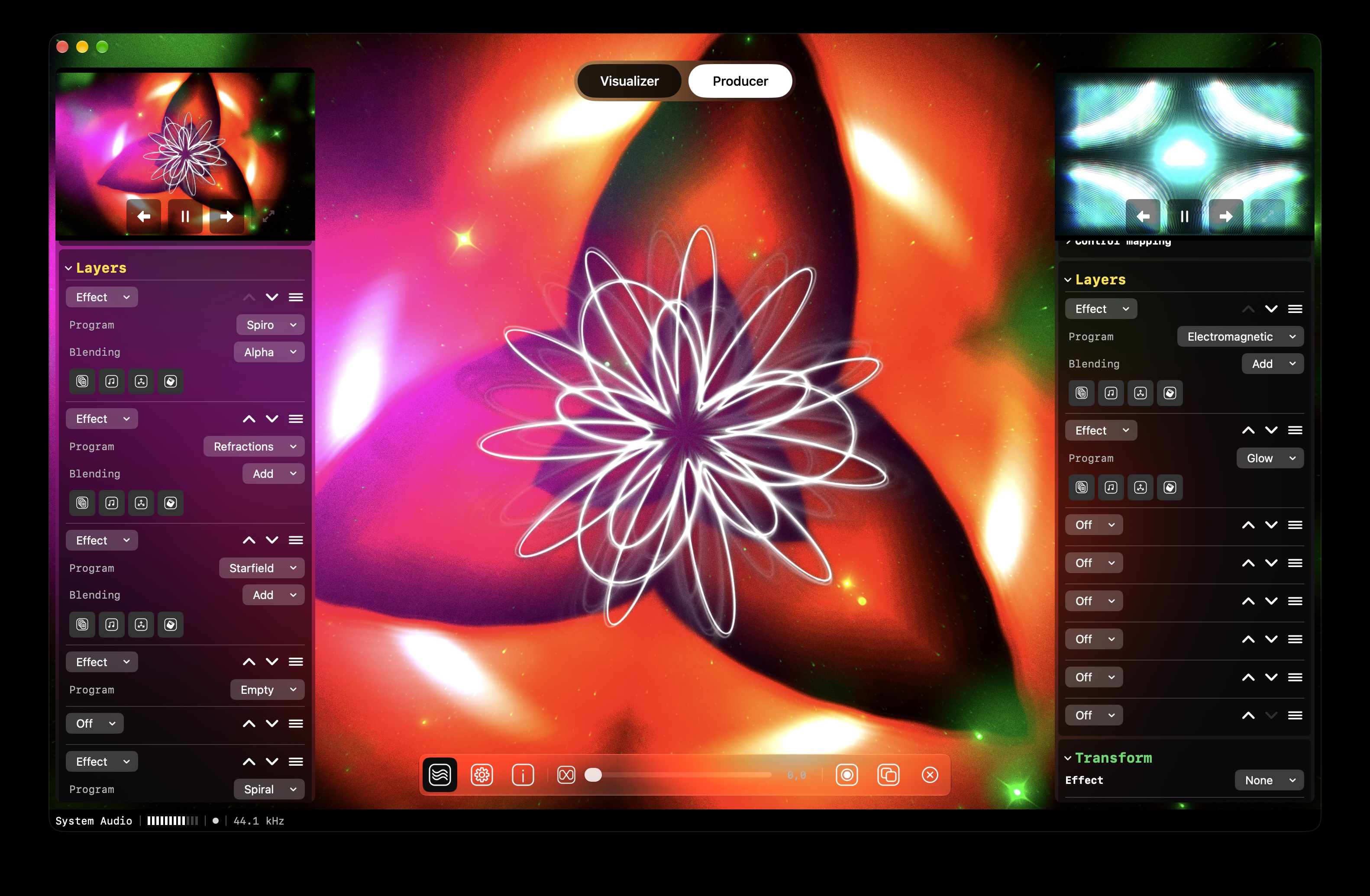
Besides the new connections, the most significant update in FM Producer is the dedicated layer editor. It’s not just a GUI feature, but also a new mental model: it highlights that each deck is a layer-based composition, which makes Ferromagnetic easier to get started with for people who are used to photo and video editing software. Each deck now has eight layers, and each of them can be an effect, media, a 3D model or a stream. Particles also became an effect, so any layer can show them. I wrote more about the redesign in my post about Aavistus festival, where I presented Ferromagnetic in person for the first time this autumn.
This year also brought 3D models into Ferromagnetic. You can load your own .glb models that burst outward on beats and can mirror the layers beneath them, and the built-in Ferroball, a spiky ferrofluid sphere, comes with every composition. Media layers can also show SVG logos and artwork in 3D, with pieces that pulse, flash, scatter and turn with the music.
New effects and vibes
Meanwhile, the visuals kept growing too, with about one new effect every month. My personal highlights are the Refractions and Solarize effects, which really add that trippy, old-school music visualizer vibe.
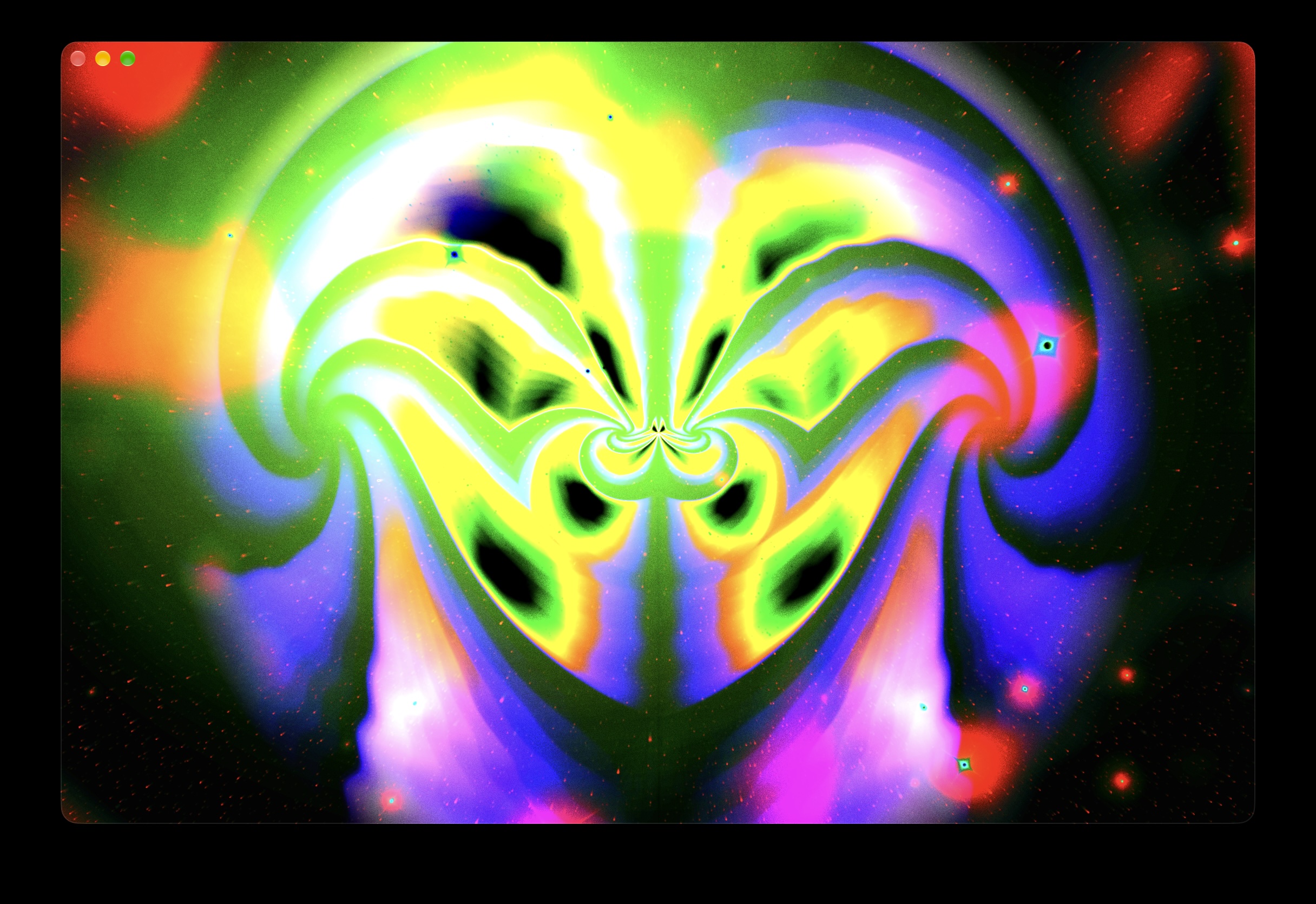
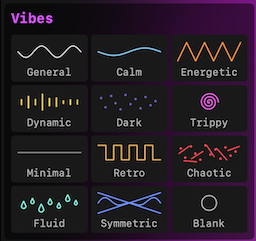
And speaking of vibes, the new Vibes presets set the mood of the whole scene with a single pick. They bridge the gap between having too many options and just wanting something easy. More vibes are coming, and I’d also like to add an automatic switcher that changes the vibe based on the speed and style of the music.
Morph transitions
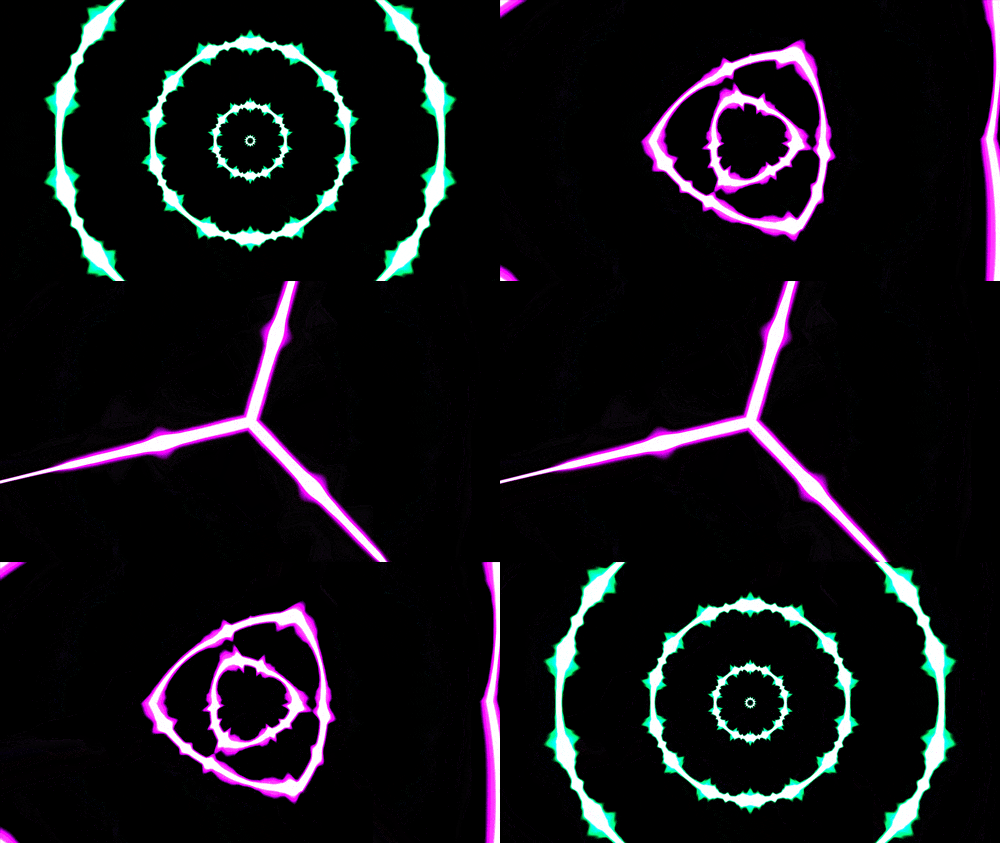
Perhaps the single change I’m proudest of this year is the morph mode for post-processing effects, which makes the transitions between scenes smooth and seamless. I like to imagine the visuals as a journey that feels uninterrupted, and the in-between frames of a transition make the whole thing much more eye-catching than a sharp cut.
Looking ahead to 2027
I read all the feedback people send me, and the most requested feature right now is more customization for the individual effects. That’s already in progress, alongside custom shader loading and a programming interface for AI agents. An agent will be able to change any setting and load new shaders, which could make Ferromagnetic both simpler to use and more customizable.
Beyond that, there are still so many items on my to-do list. Ferromagnetic is definitely a passion project with so much room to grow, but I also don’t want to bloat it. This might mean taking the 2.0 split one step further and turning the two modes into separate apps, perhaps a standalone FM Producer next to a more lightweight visualizer for everyday use. Don’t worry, though: your purchase or subscription would carry over, just like every update this year was free for existing users.
For the full list of this year’s changes, take a look at the “News” section inside Ferromagnetic.
Thank you for all the reviews, messages and feedback this year, and see you in 2027!
~ Daniel
Ferromagnetic is free to download
Download the latest update and start creating your next show.
Feedback and bug reports are always welcome: headprocess.com/contact